
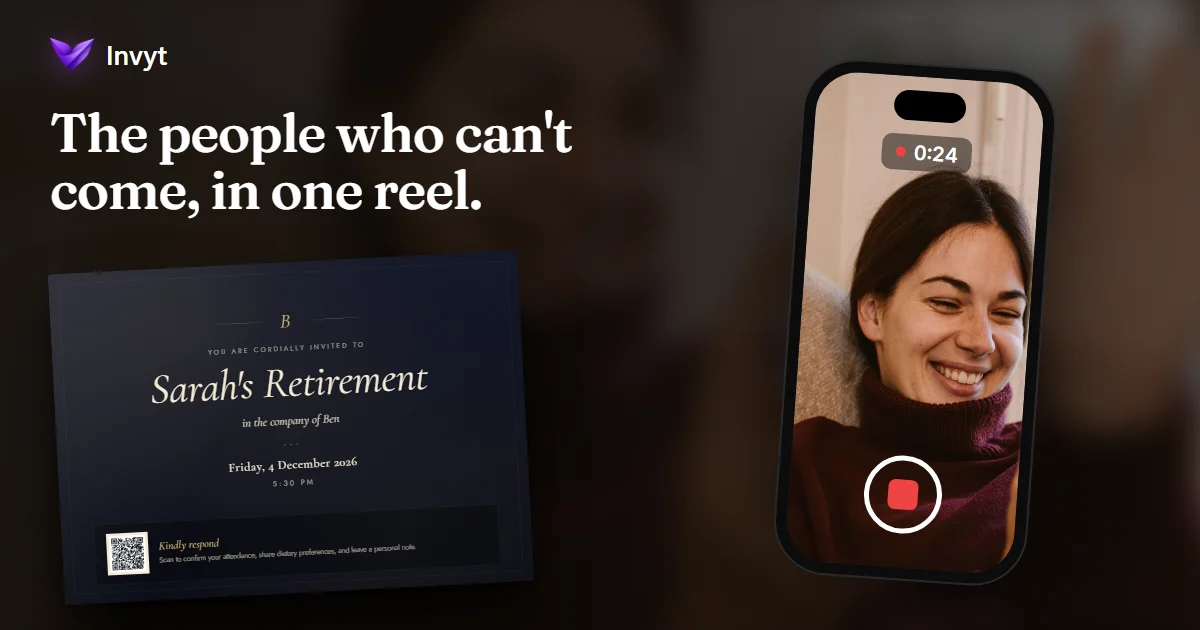
At a retirement party or a big birthday, the moment people remember is rarely the speech. It is the message from someone who could not be there: the old boss now overseas, the friend from school, Grandma across the country. Folksee collects those messages into one reel you can play on the day. Here is how it works alongside your Invyt invitation.
November 2026 · A guide for hosts
Group Video Messages: the Short Answer
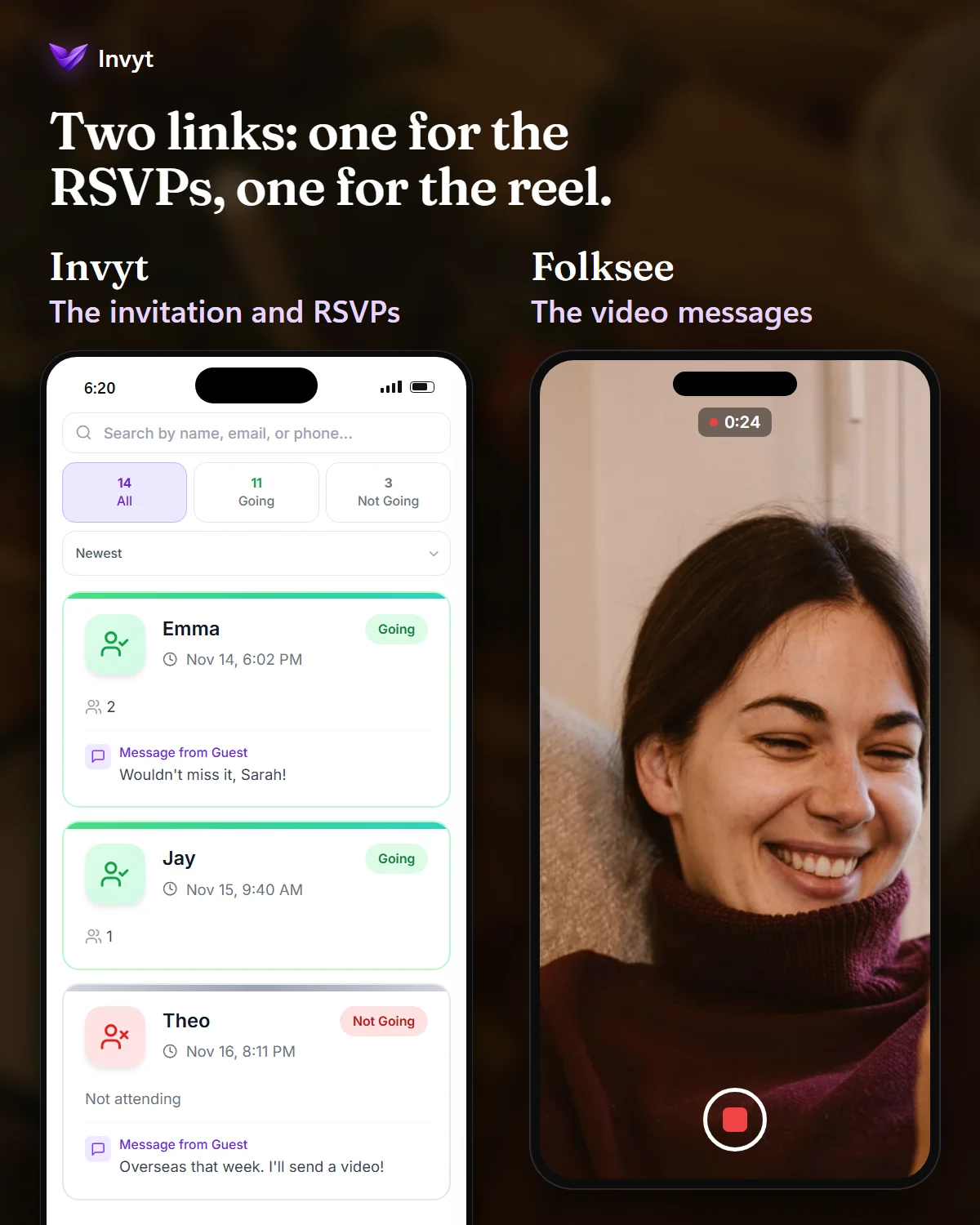
Your invitation gets people in the room. Invyt sends one link, collects the RSVPs and tells you who is coming and who can't make it.
A reel brings in everyone else. Folksee sends one link of its own. Each person records a short video message from their phone or computer, and Folksee turns them into one Reel with Feels.
You play it on the day. Afterwards the guest of honour keeps it.
What Folksee Is
Folksee calls itself "Reels with Feels". You create a reel for one person, or two, with their name, a photo and the occasion, then choose up to five questions or write your own. You share a link, and each person records their answer on any phone or computer with a camera. There is nothing to install: contributors sign in once with Google or an email address, then record or upload a video of up to 45 seconds for each question, and retake as often as they like. Folksee then turns them into one Reel with Feels.
There is no music and no effects, just the people. Reels sit behind a private link with no ads, and the person it is for keeps the reel in a free Folksee account. They can even record a thank you back to everyone who took part.
You can find Folksee in Invyt's vendor directory, where it is a verified vendor.
Why It Works So Well for Birthdays and Retirements
- Retirements: a career is full of people who have moved on: teammates in other cities, a first manager, clients. Most will not make the party, but forty seconds from their phone is an easy gift to give. Our retirement party planner says it plainly: people who cannot attend in person often have the most meaningful things to say. For themes, speeches and wording, see our retirement party ideas.
- Milestone birthdays: a fortieth or an eightieth brings together people from every part of someone's life, many of whom have never met. A reel lets each of them say their piece without a microphone. For ideas by decade, see our milestone birthday ideas.
- Farewells: when someone leaves the team, people are busy and scattered. Remote teammates can take part from wherever they are. Our farewell party ideas suggest a video montage as a group gift, and a reel is the simplest way to make one.
How to Use Folksee With Your Invyt Invitation
- Send the invitation. Create your invitation on Invyt, share one link in the group chat, and let the RSVPs come in. If it is a surprise, say so in the invitation, and lock the details behind a private guest key.
- Start the reel. On Folksee, create a reel for the guest of honour, add their photo and pick your questions.
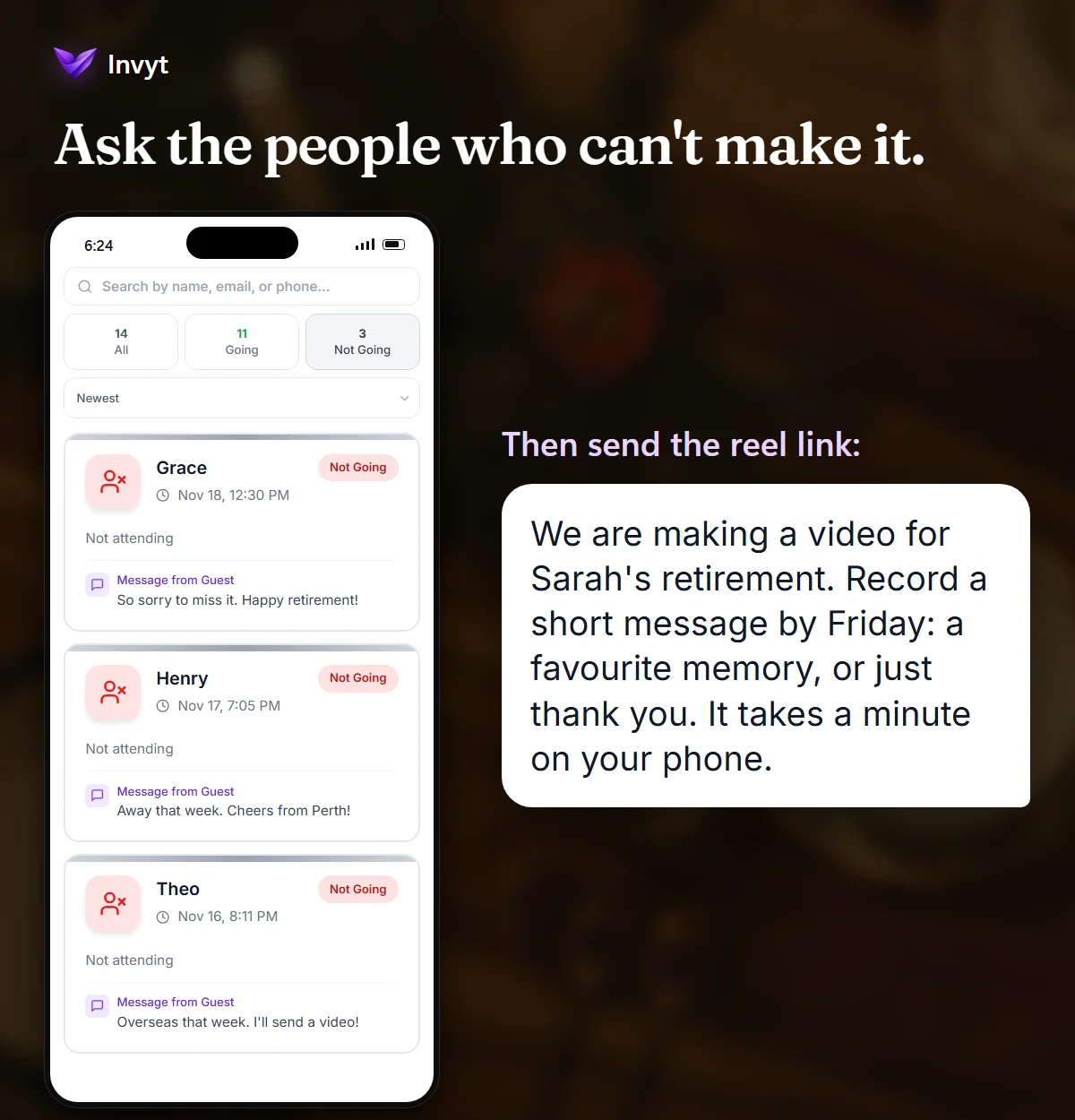
- Ask the people who can't come first. Guests who tap "Can't make it" show under Not Going on your Invyt dashboard. Send them the Folksee link with a personal note. They are often the most grateful to be included.
- Then ask everyone else. Share the reel link in the same group chat as the invitation, with a clear due date a few days before the party.
- Watch it once before the day on the screen you plan to use.
- Play it at the party, after the food and before the toast, with the room quiet.
Questions That Get Good Answers
People freeze when they are asked to "say something". A specific question gets a real answer. Try one of these:
- "What is one thing you will always remember about them?"
- "What did they teach you?"
- "What do you wish for them next?"
Folksee also has a free question generator for different occasions.
Wording to Send With the Reel Link
Keep the ask short and say when it is due:
"We are making a video for Sarah's retirement. Record a short message by Friday: a favourite memory, or just thank you. It takes a minute on your phone."
Folksee or the Invyt Photo & Video Wall?
They do different jobs, and many hosts will want both. A Folksee reel is made before the day, from people answering your questions, and it is a gift for the guest of honour. Invyt's Photo & Video Wall, an optional paid extra, opens when the event starts: guests at the party scan a QR code and add their own photos and short videos, and you can download everything afterwards.
What It Costs
Folksee is free to start: your first five contributors cost nothing, and it only counts people who actually record. Your Invyt invitation is free to design and share, with your first 15 RSVPs included.
Frequently Asked Questions
Do people need an app to record a Folksee message?
No. They record in the browser on any phone or computer with a camera. They sign in once with Google or an email address, which takes a few seconds.
How long can each video message be?
Up to 45 seconds, and people can retake as often as they like before they send it.
Can I use Folksee if the party is a surprise?
Yes. The reel link goes to the guests, not the guest of honour, so keep it in the same place as your surprise invitation.
Do guests need an account to RSVP on Invyt?
No. Guests reply to an Invyt invitation in their browser with no app and no account.
About this post: Folksee is a verified vendor in Invyt's directory. Folksee's founder and Invyt agreed to write about each other's tools, and Folksee has written about Invyt on its own blog.