
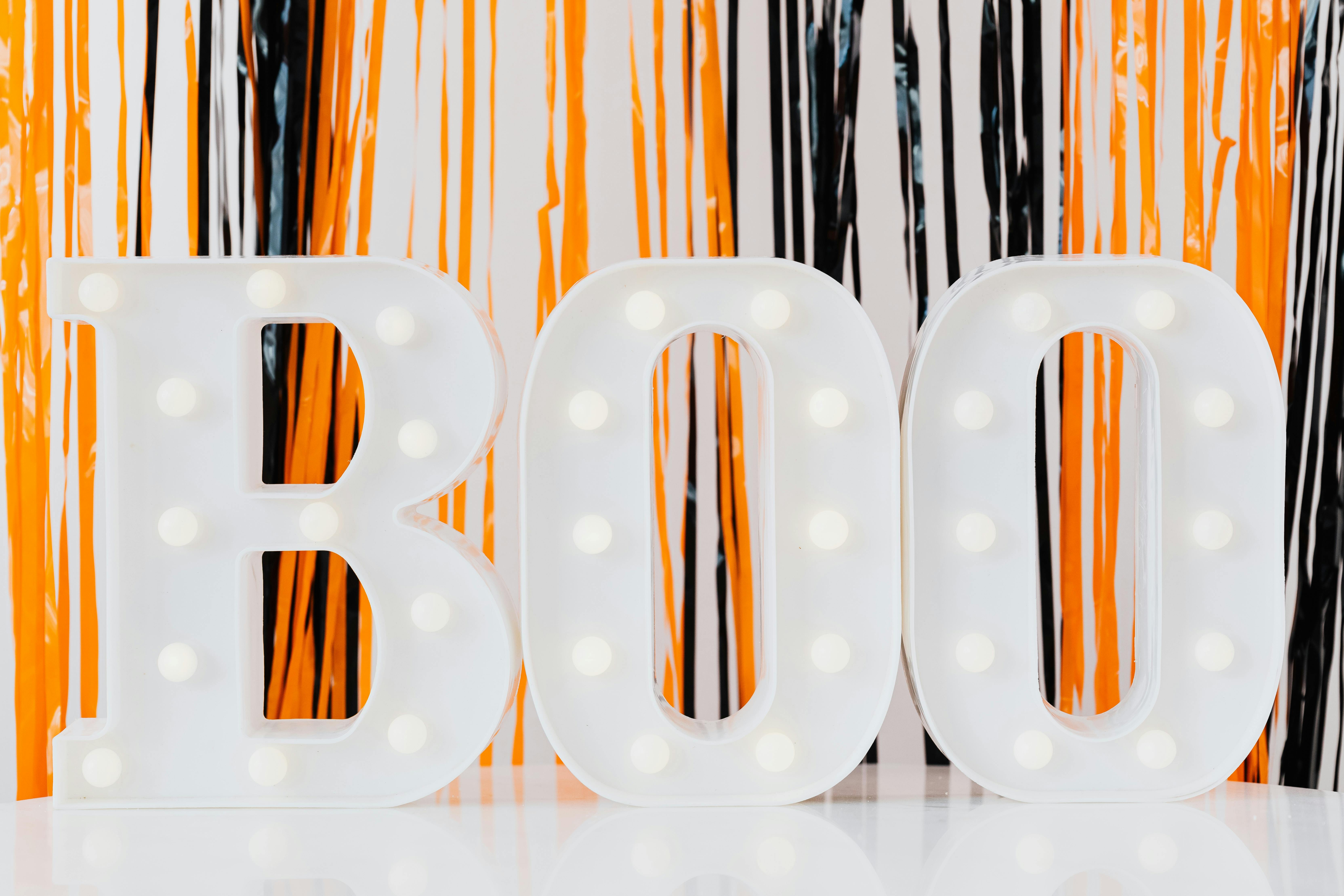
Free Halloween Party Invitations
Set the scene for a spooktacular night with chilling digital invitations. Built-in RSVP tracking included.
No guest list needed · Share one link · No app to download
Quick answer
A great Halloween party invitation should clearly state whether costumes are required, the party start time, and the venue, so guests can plan their outfit and travel. Send it 2 to 3 weeks before the event and include an RSVP deadline so you know exactly how many guests to expect.
How to Write a Halloween Party Invitation That Gets People Excited
Halloween invitations do double duty: they communicate the practical details and they build atmosphere before the night has even begun. Lean into your theme in the invitation copy. If you are hosting a haunted house, write the invitation in character, something darkly theatrical that sets the mood from the moment guests open the link. If it is a family-friendly costume party, keep the tone playful and warm. The design and wording together should make guests genuinely excited, not just informed. That anticipation carries through to better turnout and more effort on costumes.
Costume requirements need to be spelled out with absolute clarity. Ambiguity is the enemy here. Guests are far more likely to dress up if the invitation explicitly says "costumes required" than if it says "costumes welcome". Include a brief note on what counts as a costume if your crowd skews less adventurous. A simple "come dressed as anything spooky, funny, or creative" removes the fear of getting it wrong and dramatically increases the number of guests who actually make the effort. If there is a costume prize or competition, mention it as an incentive.
Late October is a busy social period, particularly for parents coordinating school events and trick-or-treating schedules. Send your Halloween party invitations 2 to 3 weeks before the event and include your venue details prominently, especially parking or public transport options for an evening event. Use Invyt's custom RSVP questions to ask guests whether they are bringing children and whether they have any dietary requirements. This information is invaluable for planning food, ensuring the space is safe for mixed ages, and having the right number of non-alcoholic drinks on hand.
Halloween Party Invitation Tips
State costume expectations explicitly
Use clear language such as "costumes required" or "costumes strongly encouraged" rather than vague phrasing. Include a brief note on the level of effort expected if your crowd is mixed. Guests who know the expectation upfront are far more likely to dress up.
Track RSVPs for costume headcount
Use a custom RSVP question to ask "Are you coming in costume?" This helps you plan for a costume competition, confirm the overall vibe of the party, and have conversation starters ready. Invyt's RSVP dashboard shows responses in real time.
Clarify age appropriateness
If children are welcome, note it clearly and indicate whether the content or decorations are family-friendly. If it is adults only, state that too so parents know in advance rather than finding out on arrival. Clear messaging saves everyone awkwardness.
Include venue and parking details
Halloween parties often run late into the evening. Include parking availability, street lighting notes for the venue, and public transport options so guests can plan their journey. For house parties, include nearby landmarks so guests can find the right door in the dark.
Reveal the theme upfront
If your party has a specific theme such as 1980s horror films, classic monsters, or gothic Victorian, mention it in the invitation. A themed event gives guests a creative constraint to work within, which paradoxically produces more impressive costumes than an open brief.
Send a reminder with last-minute details
Use Invyt's broadcast feature 3 to 4 days before the party to remind guests about costume requirements, any playlist requests, and parking. This is also a good time to build excitement by teasing a prize for the best costume.
Frequently asked questions
How do I word a costume requirement in a Halloween invitation?
Use direct, unambiguous language such as "Costumes are required for entry" or "Come dressed to impress, costumes are a must." If you want to be more relaxed, try "Costumes strongly encouraged" followed by a short note explaining the spirit of the evening. Avoid "fancy dress optional" as it signals that most people will not bother.
How early should I send Halloween party invitations?
Send Halloween party invitations 2 to 3 weeks before the event, which means early to mid-October for a 31 October party. This gives guests time to plan a costume, especially if they need to buy or hire one. For larger events with 30 or more guests, 3 to 4 weeks is safer.
What is different about a kids Halloween party invite versus an adult one?
Kids Halloween invitations should use bright, friendly designs and avoid genuinely scary imagery. Include practical details parents need, such as whether the party is supervised, whether trick-or-treating is part of the agenda, and allergy-safe food notes. Adult invitations can lean into dark, theatrical design and include details like a bar setup or costume competition with prizes.
What details should a Halloween party invitation include?
Include the event date and start time (and ideally an end time for late-night events), venue address, costume requirements, RSVP deadline, parking notes, and any theme specifics. If there is a costume competition, mention the prize. For mixed-age events, note whether children are welcome and whether the party is family-friendly.
How do I track who is coming in costume to my Halloween party?
Add a custom RSVP question in Invyt asking "Are you coming in costume?" with a simple yes or no answer. This gives you a count before the party so you can plan a costume competition, prepare prizes, and set expectations for the overall atmosphere. Your RSVP dashboard shows responses as they arrive.
Are digital Halloween party invitations better than printed ones?
Digital invitations are faster, cheaper, and easier to manage for most Halloween parties. You can share them instantly via text or social media, update details if plans change, and track RSVPs in real time. Printed invitations can work well for very intimate gatherings where the physical card is part of the theatrical experience you are creating.
Create Spooky Halloween Party Invitations for Free
Halloween is the one night of the year when anything goes, and your invitation should be just as thrilling. Create eye-catching digital Halloween party invitations with Invyt in under a minute. From eerie haunted-house vibes to playful costume-party themes, our templates set the perfect tone.
Skip the generic store-bought cards and send stunning Halloween invitations instantly via text, email, or social media. Track RSVPs in real-time so you know exactly how many ghouls and goblins to expect.
Halloween Invitation Styles
Match your invitation to the scare factor of your party, from cute and kid-friendly to genuinely creepy.
- Haunted & Dark: Eerie designs for adult Halloween parties
- Costume Party: Fun designs that get guests excited to dress up
- Kids Halloween: Friendly, colourful designs for trick-or-treat events
- Elegant Gothic: Sophisticated dark-themed designs
- Spooky & Playful: Light-hearted Halloween designs for all ages
Throw the Ultimate Halloween Bash
A memorable Halloween party takes planning, and it all starts with the invitation. Let guests know the theme, whether costumes are required, and any spooky surprises in store. Our built-in RSVP tracking helps you manage your guest list so you can focus on decorations and the playlist.
Send broadcast updates to build excitement as the night approaches. Create yourHalloween party invitation now. Enter your event details, choose a spine-chilling design, and share your unique link. The countdown to Halloween has begun.
Everything you need to get started
- Beautiful invitation templates
- Send to all your guests
- Real-time RSVP tracking
- Guest list management
- Share via link, text, or email
- Mobile-friendly design
- No app download required
- Edit anytime from your dashboard
Free to design
Upgrade when you need premium features
Everything you need for perfect halloween party invitations
No Guest List Needed
Create your invite in under 60 seconds. No contacts to collect, no spreadsheet to prepare. Just your event details.
Share One Link, Guests Do the Rest
Drop your link in WhatsApp, a group chat, or SMS. Guests RSVP themselves and your guest list builds automatically.
See Who Is Coming, Instantly
Every RSVP appears in real time with plus ones, dietary needs, and messages. No follow ups needed.
No App Required
Works in any browser on any device. Guests just tap your link and respond. No downloads for you or them.
Ready to create your halloween party invitations?
Share one link. Your guests RSVP themselves. No guest list to build.
Create Your InviteFree to design · No guest list needed